About Webhook Integration
The Webhook Integration allows you to keep up to date with new Insights for your data pipelines. Configuring the integration will make sure you’ll know about recent insights and their impact on your system. You will also get a updates about Insight actions taken by yourself and your team, such as following the Insight recommendation or archiving the Insight.Step-by-Step: Configure Webhook Integration
Follow these steps to configure your Webhook Integration:1. Access Integrations
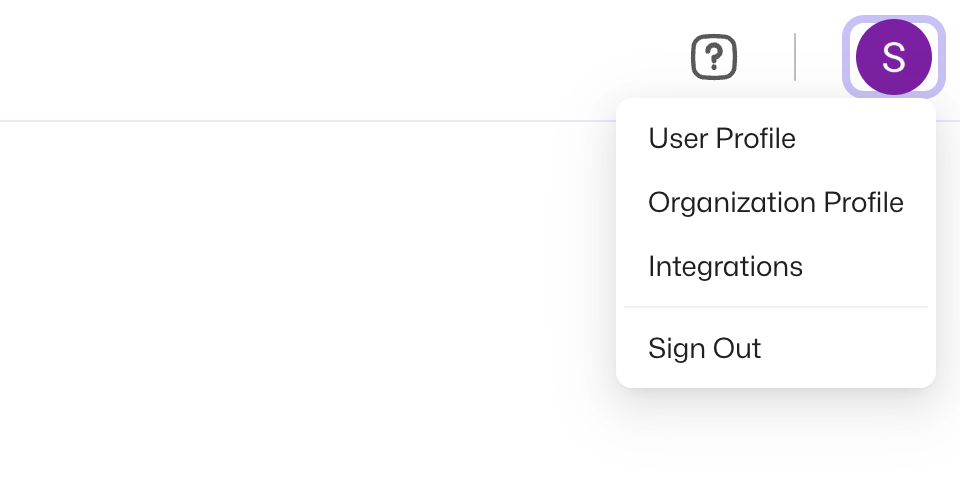
Open the user menu at the top right and select Integrations.